
Contents
What scares most people off from running their own proxy node is screens full of commands and a pile of names nobody explains. It’s too hard for beginners. Commercial proxy services (“airports”) have always felt unstable to me, with frequent timeouts, and if you want to use Claude or ChatGPT, getting your account banned really hurts.
VLESS, Reality, Hysteria2, WARP: tutorials throw these around without telling you what each one does. My own nodes use exactly these. This post doesn’t paste a single command; it explains how each protocol works, and at the end I’ll show how I now have AI set it all up for me.
First, VPNs vs. proxies
A VPN works at the network layer. Once installed, your computer gets a virtual network adapter, and all of the device’s traffic is packed into one tunnel. A proxy sits a layer higher and just forwards individual connections. Most of what people call a “VPN” is actually a proxy; this post covers both.
Judge a protocol on three things: is the content encrypted, can it tell that whoever connects is one of yours, and does the traffic look like normal browsing? Older protocols mostly only handled the first two, and each generation since has been working on the third. Follow that thread and nothing below will be confusing.
OpenVPN and WireGuard
These two are proper VPN protocols; they’re what companies use for remote work. OpenVPN first does a TLS handshake to negotiate a key, then encrypts all subsequent data with it. WireGuard is the newer protocol: it runs over UDP, its handshake uses the Noise protocol framework, key exchange is Curve25519, and data is encrypted with ChaCha20-Poly1305. The codebase is tiny and it’s very fast.
They’re built for security and speed, and were never designed to hide. WireGuard’s first handshake packet is always 148 bytes with a fixed type field at the start, and OpenVPN’s handshake packets also start with fixed opcodes. Match on those features and you catch them every time.
Shadowsocks
The first proxy protocol to really catch on. Client and server agree on a password; the client puts the destination address together with the data, encrypts it with a symmetric cipher and sends it straight out, with no handshake. The server decrypts it, gets the address, makes the request on your behalf, and sends the result back encrypted.
The idea is to turn traffic into a blob with no visible pattern, and that’s exactly the problem. Normal protocols start with a fixed plaintext format: TLS starts with a handshake header, HTTP with a request method. A connection that’s gibberish from the very first byte stands out among them. A public 2023 paper confirmed it: since November 2021, the firewall has been inspecting the first data packet of every connection and blocking the ones that look random enough.
Another trick is active probing: replaying captured packets to your server and watching how it responds. Early versions reacted to replays differently from ordinary servers, so one try gave them away.
VMess
V2Ray’s native protocol. Each user has a UUID; the client combines the UUID with the current time to compute an authentication value in the header, and the server computes the same thing and only lets it through if they match. So it depends heavily on both clocks; if they drift too far apart, it simply won’t connect.
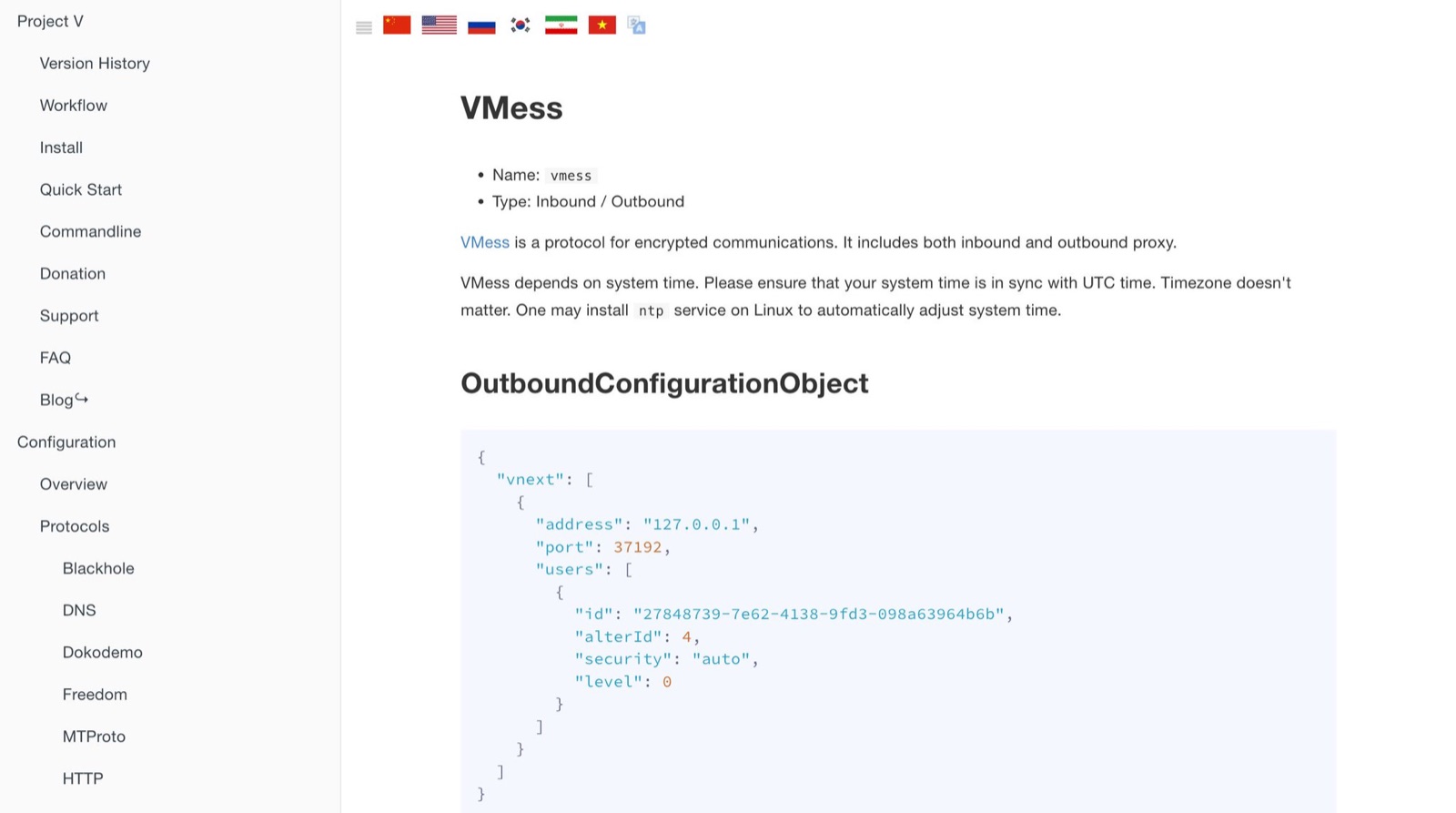
VMess has built-in encryption, so on its own it has the same problem as Shadowsocks: the whole connection is gibberish. In practice it’s usually wrapped in WebSocket plus TLS, which means the same data gets encrypted twice.
Trojan
Trojan changes the approach: it uses real TLS. The server has its own domain and a legitimate certificate, and the client does a standard TLS handshake with it, no different from opening any HTTPS site.
After the handshake, the first thing the client sends inside the encrypted channel is the SHA224 hash of the password, followed by the destination address. The server checks the hash: if it matches, it starts forwarding; if not, it hands the connection to a real website sitting behind it, so anyone probing sees an ordinary site. This is where the third requirement is finally met.
The cost: you have to buy a domain, get a certificate and renew it regularly, and the domain itself can get flagged. Beginners tend to get stuck at nearly every step.
VLESS
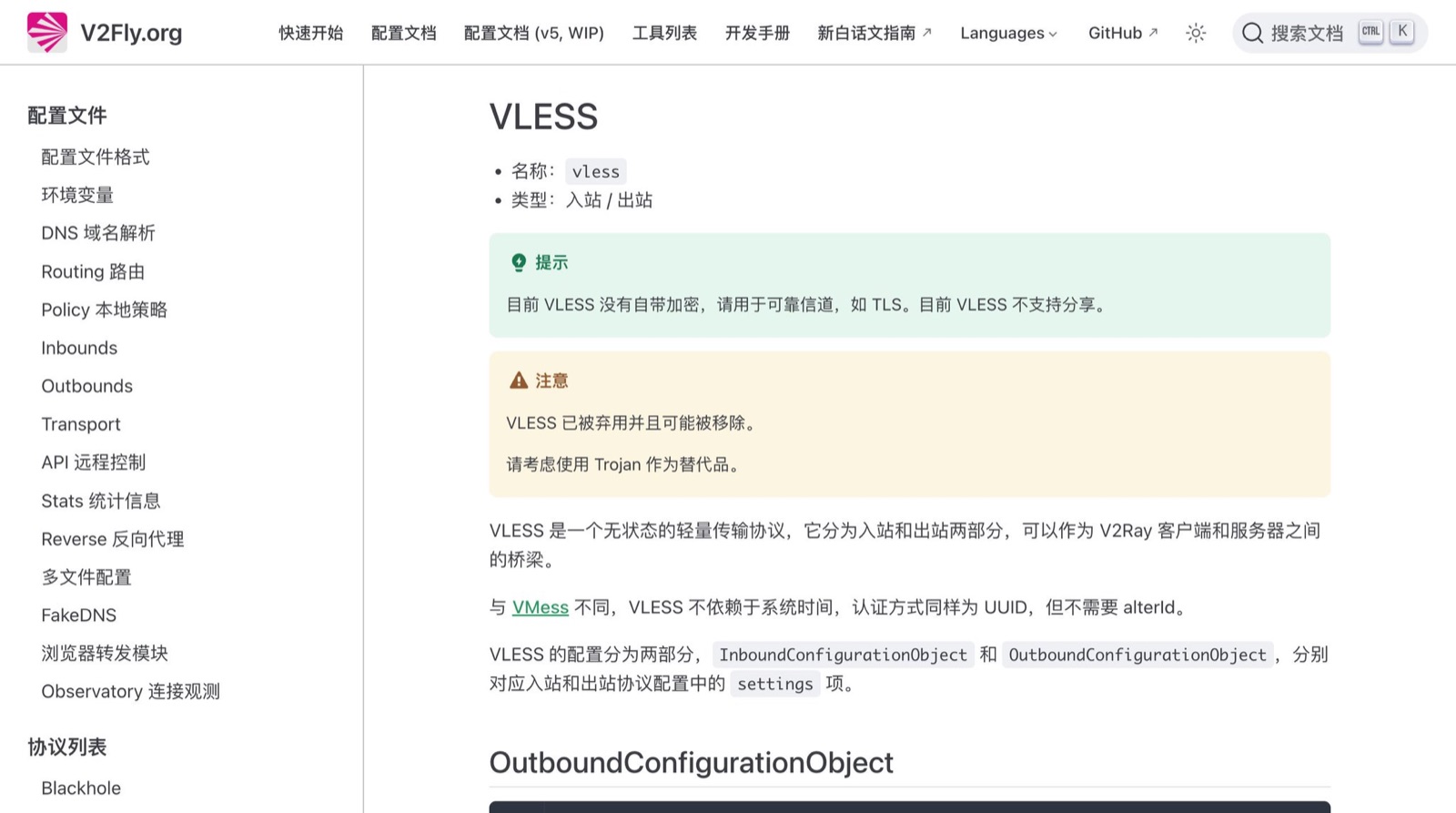
VLESS is a slimmed-down VMess. Since there’s always a TLS layer outside, encrypting again inside is wasted effort, and the time check can go too. So its header is just a version number, UUID, command, destination address and port. It doesn’t encrypt and doesn’t check clocks; it only authenticates and forwards. Encryption and disguise are left entirely to the outer layer, so it must run inside TLS or Reality, and in exchange it’s light and fast.
Reality
Reality goes after the domain-and-certificate barrier. With it, the server doesn’t need a certificate at all; it borrows the identity of a real major website. The server config holds three things: the target site being borrowed, the private key of an X25519 key pair, and a short string called a shortId. The client holds the matching public key.
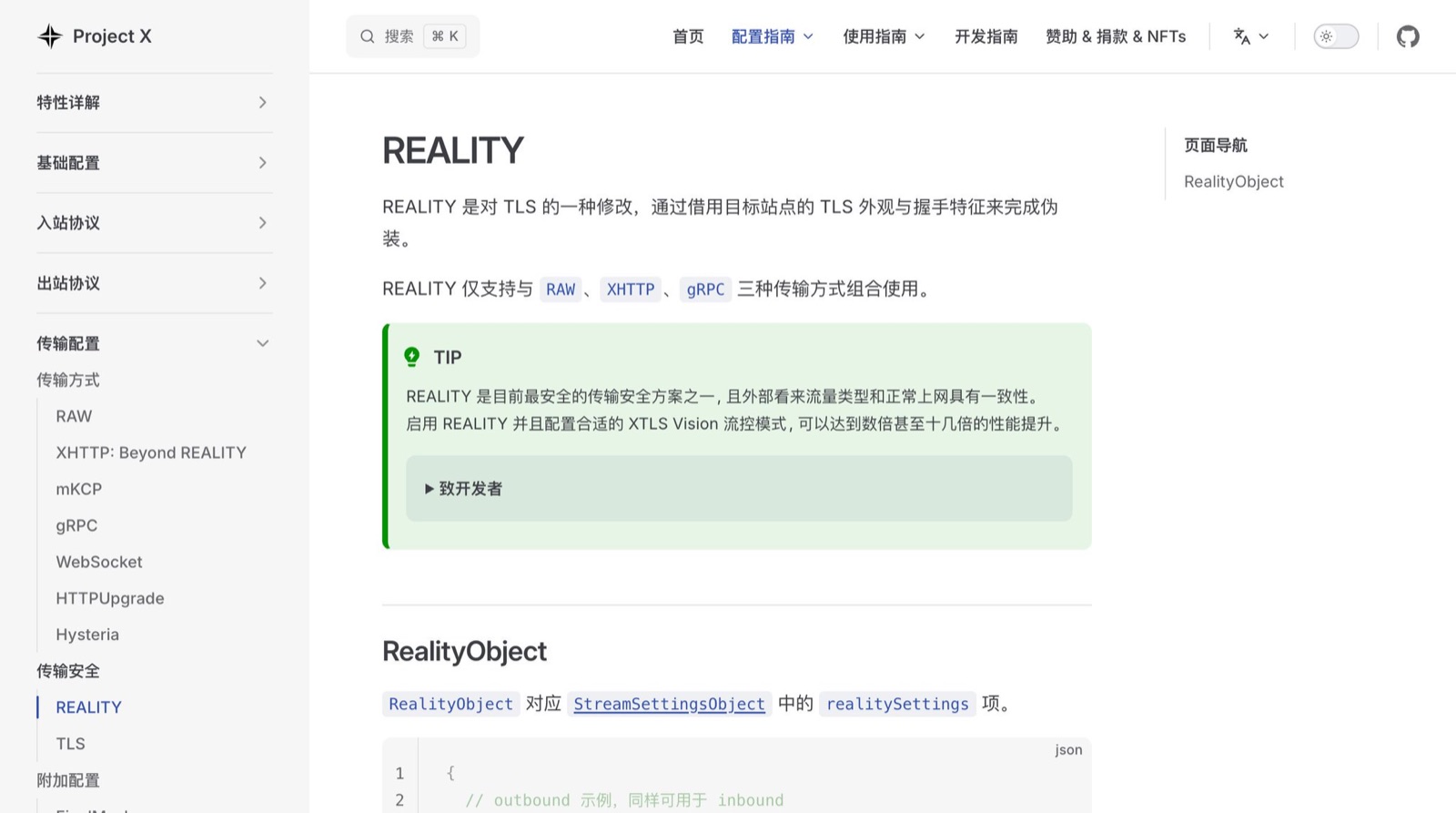
When connecting, the client sends TLS’s first packet, the ClientHello, with the target site’s domain in it. At the same time, it uses the server’s public key and its own ephemeral key to compute a shared secret, encrypts a timestamp and the shortId with it, and hides them in the ClientHello’s Session ID field. In TLS 1.3 that field is already a random string, so nothing hidden in it is visible from outside.
The server uses its private key to compute the same shared secret and tries to decrypt the Session ID. If it decrypts, it’s one of yours: the server completes the handshake with a freshly generated certificate, the client uses the shared secret to confirm the certificate really came from its own server, and proxying begins.
If it doesn’t decrypt, the server changes not a single byte and passes the whole connection through to the real target site. Anyone probing gets that site’s real certificate and real pages; no matter what they try, all they see is a genuine major website. On the client side, the ClientHello’s fingerprint is also made to mimic Chrome, so the handshake details match an ordinary browser.
Vision
Vision often appears alongside Reality. It’s a flow-control mode that deals with TLS inside TLS. When you open an HTTPS site through a proxy, the inner connection does its own TLS handshake. The sizes and order of those handshake packets follow a clear pattern; the outer encryption hides the content but not the packet lengths, so a little statistics can spot it.
Vision adds random padding to the inner handshake packets to break up the length pattern. Once the inner handshake is done, the data inside is already ciphertext, so the outer layer stops encrypting it again and forwards it as is, which also saves server CPU. The xtls-rprx-vision you see in configs is this.
VLESS, Reality and Vision together are the most common self-hosted combination today, running on port 443. My main route is exactly this.
Hysteria2
From Shadowsocks to Reality, these proxy protocols mostly run over TCP. TCP has a temperament: whenever it sees packet loss, it assumes the network is congested and slows itself down. On cross-border routes at peak hours, packet loss often has nothing to do with how fast you’re sending, and TCP keeps backing off until the speed hits bottom.
Hysteria2 takes a different path: it’s built on QUIC. QUIC runs over UDP with TLS 1.3 built in; today’s HTTP/3 is built on it, and lots of major sites use it.
It replaces QUIC’s congestion control with its own, called Brutal. Tell it how much bandwidth the route has and it sends at that rate, resending whatever is lost to make up for it, without backing off. Authentication is disguised too: once connected, the client sends an HTTP/3 request containing the password. If the password is right, the server replies with a special status code, 233, and the connection becomes a proxy from then on; if not, it responds like any ordinary HTTP/3 website.
That’s also its weakness. Some networks specifically throttle UDP or QUIC, and there it ends up slower than TCP. And not slowing down under packet loss is itself a recognizable behavior; a 2025 paper studied exactly that. It also needs a certificate, though your own domain or a self-signed one both work. I keep it as a backup and switch to it when the main route is struggling.
WARP
WARP is the service behind Cloudflare’s 1.1.1.1 app. Its tunnel originally ran on WireGuard; the official client now defaults to MASQUE over HTTP/3, with WireGuard still available. Most people install it on their phones; I install it on the server, so the server has a tunnel to Cloudflare.
To see how it’s used, you need to know how Xray is structured. Xray has inbounds, outbounds and routing: an inbound is where clients connect in, an outbound is how traffic leaves the server, and routing rules decide which inbound’s traffic takes which outbound. The default outbound is direct, using the server’s own IP. Add a WARP outbound, and you can send all traffic from a given entry point out through that tunnel, so websites see a Cloudflare address.
Why go to the trouble? Websites judge who you are from IP databases, and data-center IP ranges are public. Many AI products reject them outright: the node connects fine, but the page says the service isn’t available in your region. Behind WARP’s exits are huge numbers of ordinary users, so a lot of services don’t block it, though there’s no guarantee everything gets through. The extra hop is a bit slower, so I only switch to this route for AI.
Subscriptions
Every node can be written as a one-line share link starting with vless or hysteria2, containing parameters like the address, port, UUID and public key. A subscription is a URL that returns all the nodes’ links joined together and Base64-encoded. The client requests it periodically and decodes it into the latest node list.
The link a commercial provider gives you is a subscription. You can have one with a self-hosted setup too: I run a tiny subscription service on my server, my phone and computer use the same URL, and when I change the config on the server, a refresh on the clients syncs it. The subscription URL is effectively the key to all your nodes, so include a random string in it and don’t share it.
My current setup
The server is on DigitalOcean, with the cheapest tier starting at $4 a month, which is plenty for running nodes. The proxy software is Xray: the main route is VLESS + Reality going out directly, a second entry point exits through WARP, plus a Hysteria2 backup, all gathered into my self-hosted subscription.
The first time I built this, I typed along with tutorials line by line: installing software, generating keys, writing configs, opening ports, setting up the subscription. Any mistake meant digging through logs for ages.
Then it clicked: if I’m already using AI, there’s no reason for a human to type these commands anymore. We have to keep up with the times, right?
I wrote the whole process up as a Skill with four parts: setup, health checks, troubleshooting and subscription migration. Now when I add a new machine, I hand Claude the IP, it logs in and installs the whole stack following the playbook, and all I do is grab the subscription link at the end. Same when something breaks: I have it run a health check, and it tells me straight out which route is down and why.
I’m putting together a version I can share publicly. If you want it, reply “Skill” and I’ll post it once it’s ready. When you get it, use it to build your own setup for yourself; don’t share it with a crowd, and definitely don’t sell it.
I’m new to writing about this, so if anything here is wrong, please set me straight. Thank you.
Do you use a commercial provider or self-host, and where do you get stuck most often?