
Contents
- The recurring work you do
- The audience for the work
- When to use it
- Required inputs
- The exact work sequence
- The required output format
- What requires approval
- The owning Bot
- The time zone
- The input source
- The expected result
- The approval boundary
- Deduplicating rows
- Checking URLs
- Calculating known metrics
- 1. Research Desk
- 2. Editorial Studio
- 3. Growth Operations
- Day 1: Audit the work
- Day 2: Choose one outcome
- Frequently asked questions
- The real lesson
- Sources
- Grok Bot FAQ
- Create and manage Bots
- Skills and Routines
- Vault and secure sign-in
- Shared Bots
A practical system for designing a small, reliable Bot team that can learn your workflows, use your tools, and take recurring work off your plate.
Most people build an AI Bot team backward.
They create one Bot for writing, another for research, one for email, one for scheduling, two more for social media, and a general-purpose Bot to coordinate everything. Within a week, the sidebar is crowded, responsibilities overlap, and the human is still copying information between Bots by hand.
The problem is not that the Bots are incapable. The problem is that nobody designed the team.
Lauren Tan, known as @poteto on X, published a short guide on October 31, 2026, explaining how she creates high-quality Grok Bots and manages them as a team. The post spread quickly. Its replies also became a live demonstration of the product: many people simply tagged @bot and asked their own Bot to read the post, audit the current team, and apply the lessons.
Lauren added a follow-up post 17 minutes later. It covered routines, event triggers, scripts, usage cost, and team sharing. Those additions matter. The first post explains how to create and teach Bots; the second explains how to turn them into a working operating system.
This article combines both posts and checks the product details against the current Grok Bot documentation. The role templates, permission model, measurement system, case study, and seven-day implementation plan are practical extensions. They are not presented as Lauren’s exact words.
First, what is Grok Bot?
Grok Bot is not the regular Grok chat product on grok.com or X. The official FAQ describes Grok and Grok Bot as two different apps, although your Bots may also be reachable through X Chat or by tagging @bot where that feature is available.
A Grok Bot is designed as a durable AI teammate. It has a name, a job, its own conversation, and role-specific context that develops over time. It can use a persistent cloud computer with a browser, filesystem, and terminal, work with connected apps, run saved skills, and start routines on a schedule or in response to an event. Work can continue while your laptop is closed.
That changes the design question. With a normal chatbot, people usually ask, “What prompt should I use?” With a durable Bot, the more useful questions are:
What outcome does this Bot own?
What sources and tools does it need?
What process should it follow every time?
How will it prove the result is correct?
Which actions may it take alone?
Where must it stop and ask for approval?
The official Create and manage Bots guide recommends creating separate Bots only when the work has a distinct goal, source and tool set, working style, approval boundary, or recurring schedule. A vague “general helper” can accumulate context, but it rarely develops a reliable operating role.
A high-quality Bot is therefore not the Bot with the longest personality prompt. It is the Bot that repeatedly delivers a defined result with low correction, low risk, and a clear finish line.
What “high quality” should mean
Before creating anything, decide how you will recognize a good Bot. A simple scorecard is enough:
Accuracy: Does it use the right facts and authoritative sources?
Consistency: Does the same request produce the expected structure and standard?
Completion: Does it finish the workflow rather than stop at a plausible draft?
Correction rate: How often do you need to redo or heavily edit its work?
Escalation quality: Does it ask when information is missing or the risk is high?
Time saved: Does it remove work, or merely create more review work?
Safety: Has it sent, changed, purchased, published, or deleted anything unexpectedly?
Usage efficiency: Is the value of the result proportionate to the model usage and tool activity required?
Do not judge a Bot by how impressive its first response looks. Judge it after five similar tasks. Reliability appears in repetition.
Step 1: Design the job before you create the Bot
Lauren’s first recommendation is to add dr eggbot, the Bot designer she uses to create other Bots.
The dr eggbot marketplace page says it asks a few preference questions and then creates focused Bots with one job, one voice, explicit “anti-jobs,” and no unnecessary tools. It is published by Lauren Tan through the official x.ai marketplace, but it is a user-created template, not an xAI-authored official Bot. An official marketplace page does not mean an official first-party author.
Whether you use dr eggbot or design the role yourself, begin with a role card. A useful role card answers seven questions:
What outcome does this Bot own?
What inputs and sources may it use?
What output must it produce?
What quality standard must the output meet?
What actions are outside its job?
Which actions require approval?
What evidence proves the work is complete?
For example:
Role: X Research Editor Outcome: Deliver a daily shortlist of five AI stories worth covering. Sources: Official announcements, primary documentation, research papers, and selected analyst feeds. Output: A ranked brief with the claim, primary source, publication time, why it matters, and one skeptical counterpoint. Anti-jobs: Do not draft posts, publish content, reply to users, or treat a repost as primary evidence. Approval boundary: Never contact a source or connect a new account without approval. Finish line: Every shortlisted story has at least one primary source and passes the recency check.
Notice how little of that is about personality. Tone matters, but ownership and boundaries matter more. A cheerful “AI social media expert” can still produce unreliable work. A narrowly defined research editor with an evidence requirement is much easier to trust.
Step 2: Keep the team as small as possi
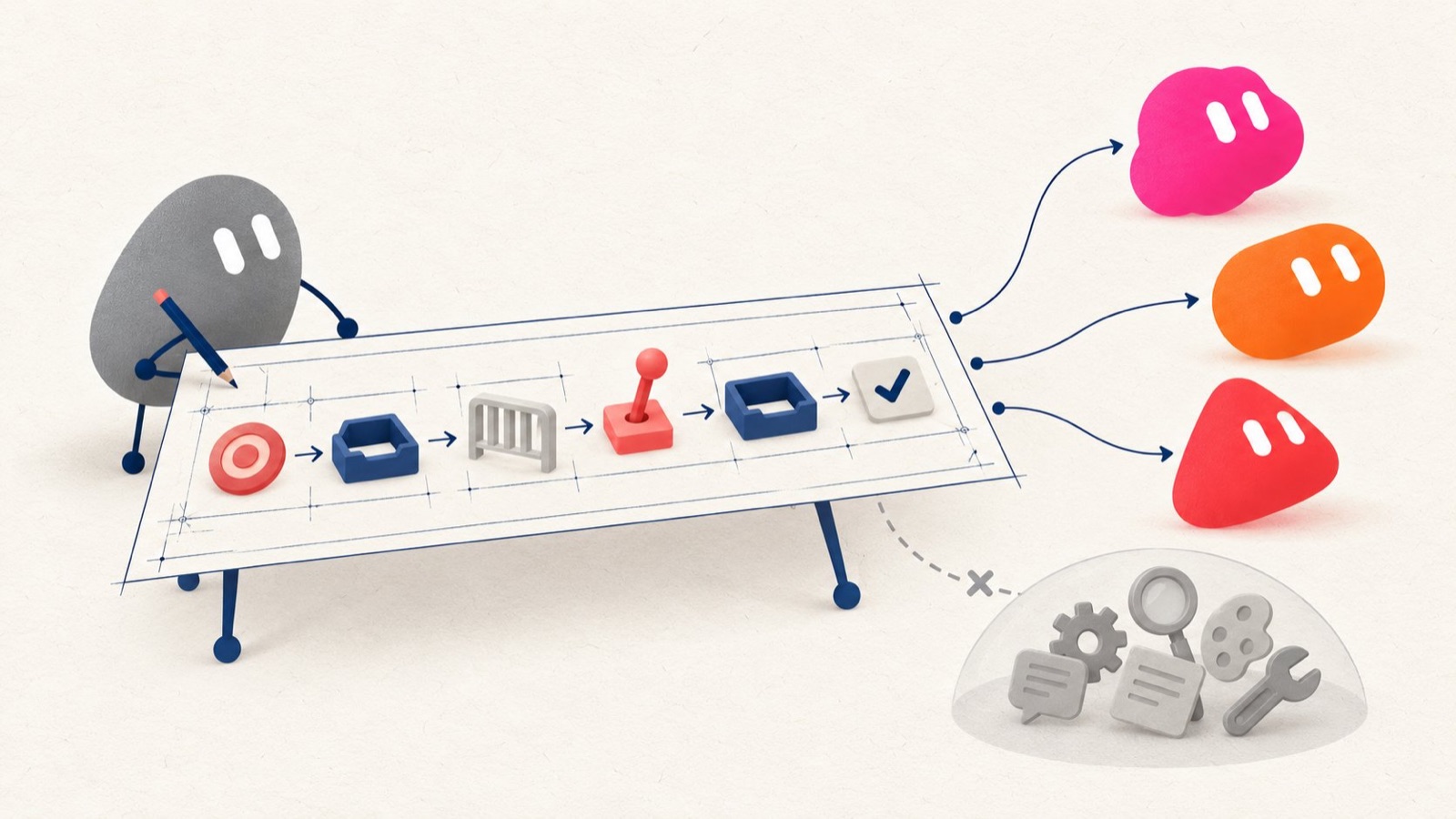
Lauren’s second principle is simple: you do not need many Bots. A few good Bots are more useful and easier to manage than a large team.
Every additional Bot creates coordination cost. It needs context, tools, review, maintenance, and a handoff rule. If two Bots repeatedly need the same background or produce overlapping outputs, the split may be artificial.
Create a separate Bot only when at least one of these is true:
The work has a stable, distinct owner.
It needs different sources or tools.
It needs a different approval boundary.
It operates on a separate recurring schedule.
Its accumulated context would distract another Bot.
You need a visible handoff between two roles.
Do not create a separate Bot merely because a task has a different verb. “Research topics,” “summarize sources,” and “rank story ideas” may all belong to one research role. “Draft a post” and “publish a post” may deserve separation because publishing carries a much higher risk.
A strong starter team often contains only three specialist roles:
Research Bot: finds and verifies information.
Content Bot: turns approved evidence into drafts.
Operations Bot: handles schedules, reports, alerts, and approved administrative workflows.
Grok Bot also supports a primary Bot, which acts as the main point of contact and can coordinate work with other Bots. Use it as a coordinator, not as an excuse to create a dozen specialists immediately. Start with one useful end-to-end owner. Add a second Bot only after the handoff becomes stable enough to name.
Step 3: Onboard the Bot like a new teammate
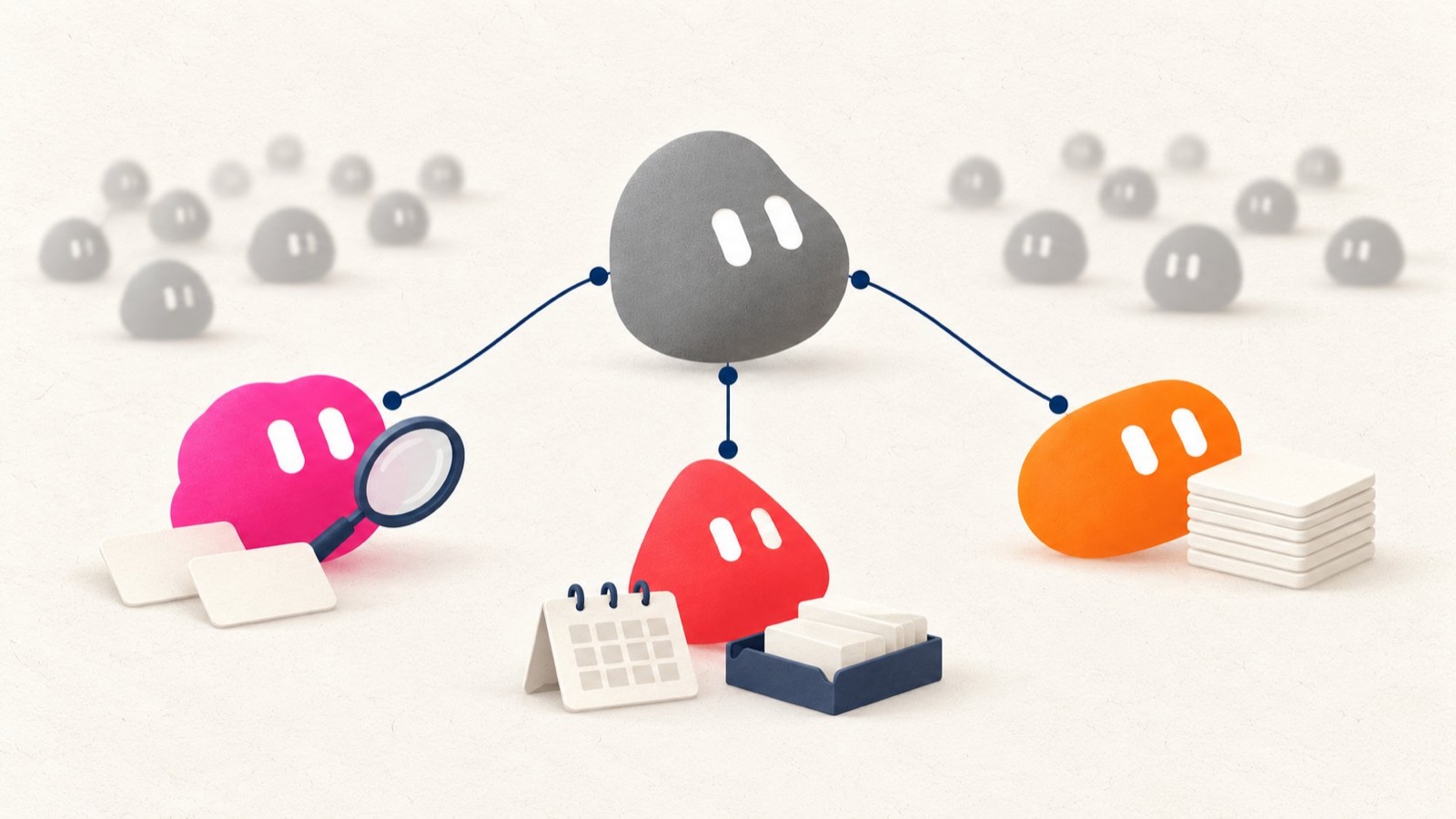
Lauren recommends onboarding a Bot the way you would onboard an intern. The analogy is useful because a new teammate does not know your business, preferred tools, quality bar, audience, deadlines, or unwritten rules. If you give them a one-line instruction and expect perfect judgment, the failure belongs partly to the manager.
A practical onboarding brief should cover:
Who you are and what you are trying to accomplish
Your products, clients, accounts, or projects
The recurring work you do
The tools and sources you trust
The audience for the work
Your preferred tone and output format
Examples of good and bad work
Actions the Bot must never take alone
Situations in which it should escalate to you
What a successful first week would look like
You do not have to turn this into a polished manual first. Lauren’s favorite technique is to use voice mode or transcription and perform a brain dump. Talk through the work naturally, including details you would forget while trying to write a formal specification.
Then ask:
Restate this in your own words. Explain what you think your job is, what matters most, what you should not do, and what you still need to clarify. Do not begin the work yet.
That final sentence is important. A restatement is a comprehension test, not an execution prompt. Read the Bot’s version carefully. Look for missing constraints, invented assumptions, and words that sound correct but remain vague. Correct the understanding before connecting tools or scheduling work.
A reliable collaboration loop is:
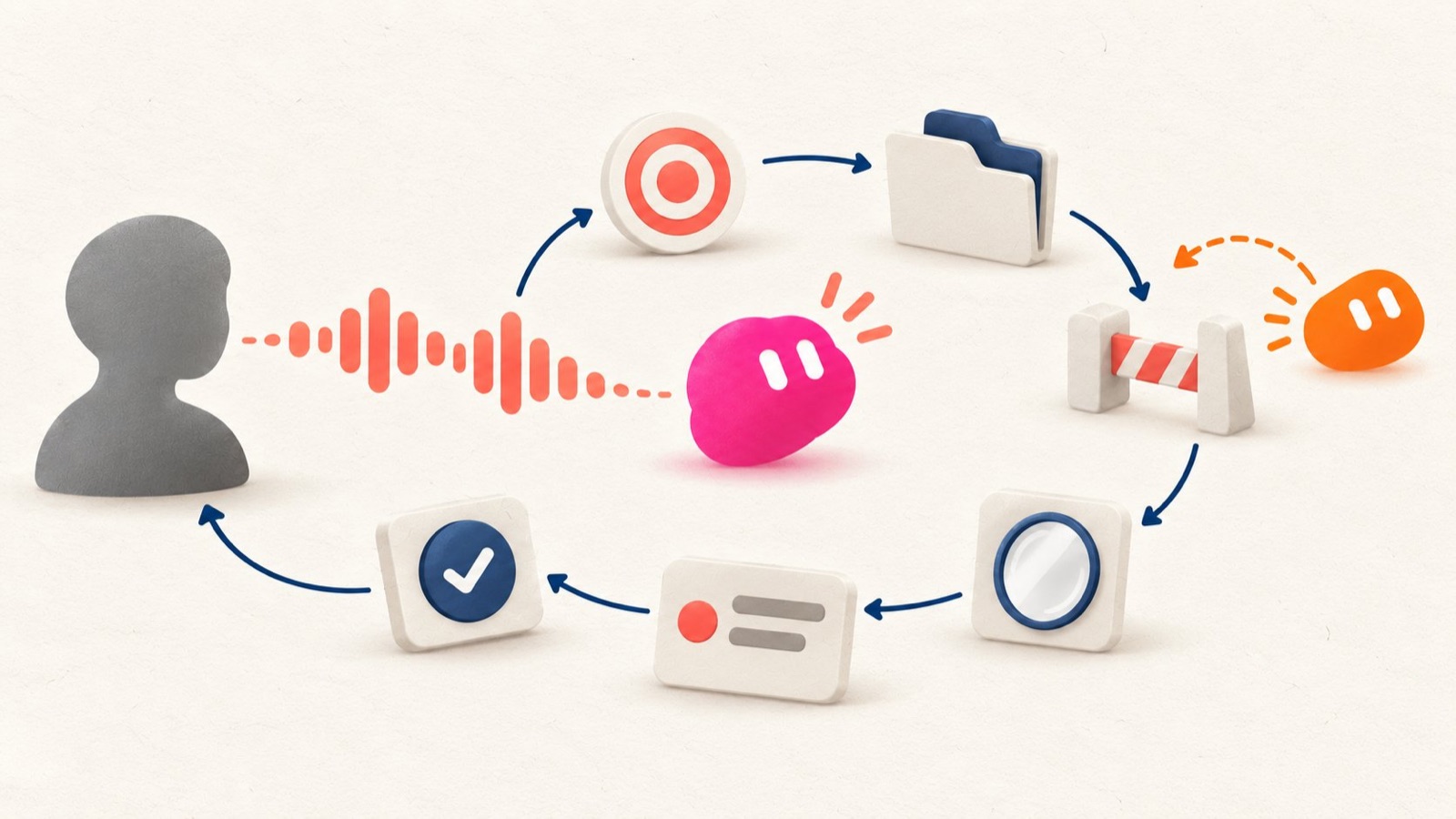
Explain → Restate → Correct → Execute → Review → Save the lesson
This is safer than sending a large instruction and discovering the misunderstanding after the Bot has already acted.
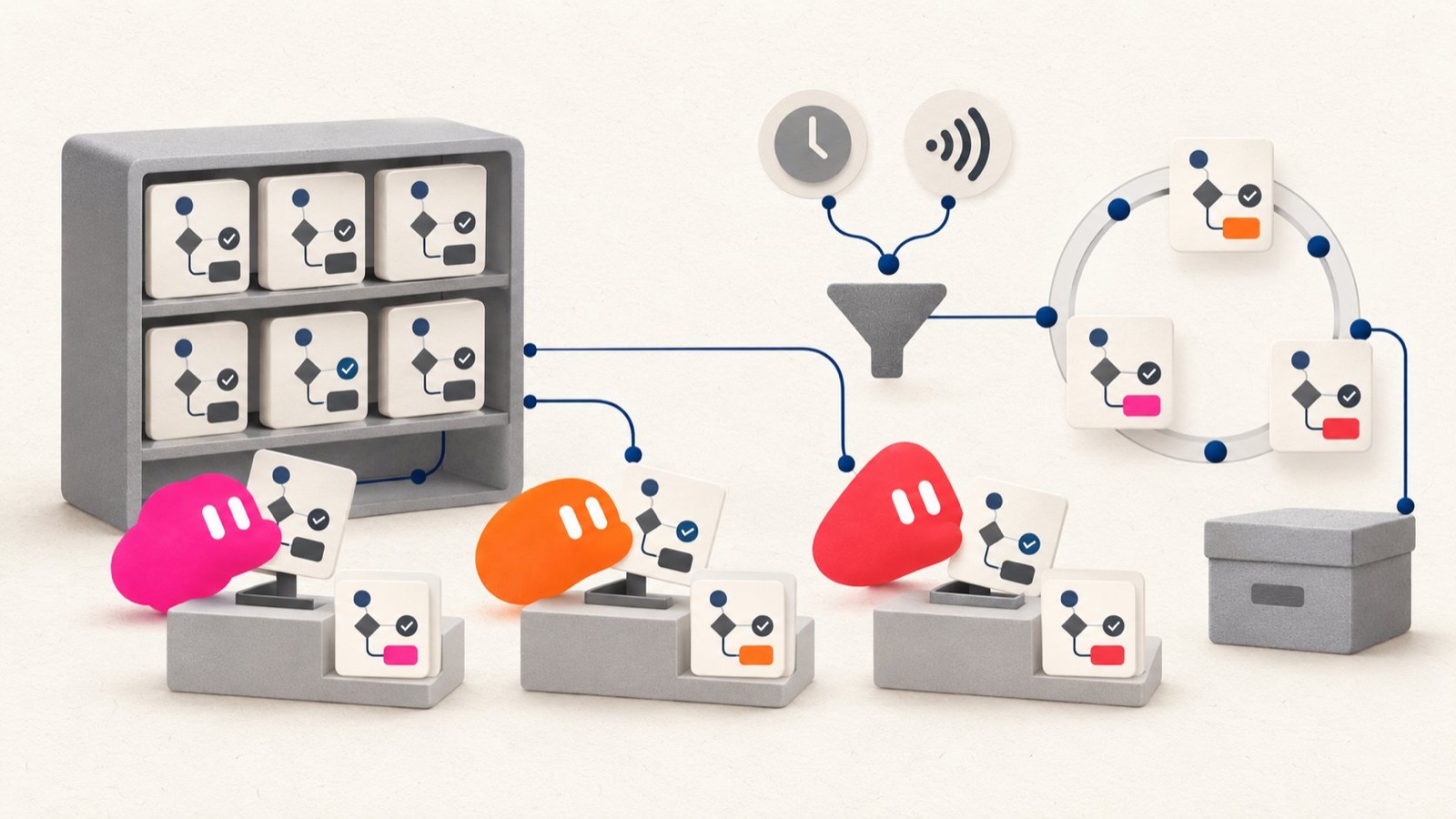
Step 4: Perform the task successfully once, then save it as a Skill
Lauren advises telling Bots to create Skills as you teach them how to perform tasks.
A Skill is a reusable set of instructions for completing a particular kind of work. According to the official Skills and Routines guide, a useful Skill captures steps, decision rules, expected output, validation, and safety boundaries. Private Skills form a library that can be used across your personal Bots, although the Bot using one still needs the relevant app, login, and enablement.
The order matters:
Run the task once.
Review the result.
Correct the process.
Run it again on a different example.
Save the successful method as a Skill.
Test the saved Skill on a safe example before automating it.
Do not turn an unproven prompt into an automated Routine. Automation makes a good process faster, but it also makes a bad process repeat itself without supervision.
A strong Skill should specify:
When to use it
Required inputs
Required tools or accounts
The exact work sequence
Decision rules and exceptions
How to validate the result
The required output format
What to do when information is missing
What requires approval
What the Bot must return as evidence
For example:
Save the process we just used as a Skill called “Daily AI Story Review.” Include the source hierarchy, 24-hour recency rule, duplicate-story check, ranking criteria, output table, and the requirement to link a primary source. If a claim cannot be traced to a primary source, label it unverified instead of filling the gap.
Lauren also suggests storing Skills in a private GitHub repository if you want an independent backup. That can be useful for version history and review, but it is an optional backup practice, not Grok Bot’s required or native backup mechanism. Treat the repository as operational documentation. Do not place passwords, API keys, private customer data, or copied secrets inside it.
Step 5: Give each Bot the tools it needs, not every tool you own
A Bot without access cannot complete real work. A Bot with unrestricted access can create unnecessary risk.
Lauren recommends adding connectors, using Vault, and giving Bots access to the tools required for their jobs. The important phrase is required for their jobs.
Use a least-privilege model:
Read-only: The Bot may inspect approved sources and produce a report.
Prepare: It may create drafts, proposed changes, or files, but may not send or publish them.
Execute with approval: It may perform an external action only after showing the exact target, content, and likely impact.
Limited autonomous execution: It may perform a narrow, reversible action under explicit rules.
Never autonomous by default: Payments, destructive changes, permission changes, legal acceptance, and high-impact publishing stay behind human review.
The Approvals, security, and privacy guide explicitly recommends boundaries for messages, publishing, purchases, deletion, permission changes, production changes, and legal terms. Approval controls the proposed action; it does not undo an action that has already happened.
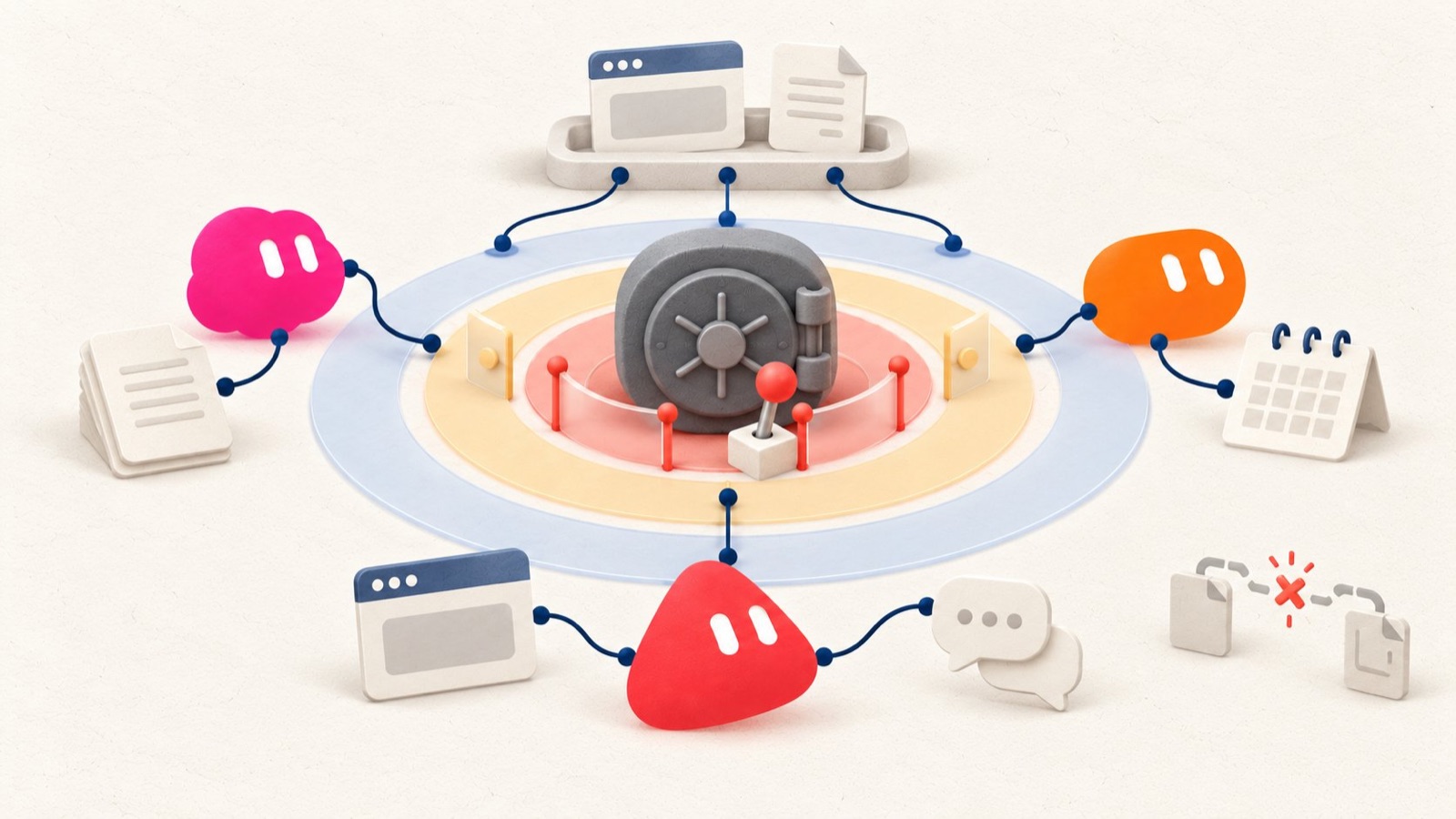
Credentials should never be pasted into ordinary chat. The Vault guide says passwords, cards, contact information, and other credentials belong in Vault or secure secret inputs. Bots can use saved secret values without seeing them.
Four details are easy to miss:
Vault is account-wide. Every personal Bot on the account can use the saved items; Vault does not provide per-Bot isolation.
Your Bots share one cloud computer. Files, browser sessions, cookies, and command-line credentials are visible across your Bots. Their separate screens are work surfaces, not security boundaries.
Connected apps are also account-wide for your personal Bots. A connection is not a private tool assigned to only one role. A shared Bot does not inherit your personal Vault; it uses the apps, Secrets, Skills, and files configured for that shared Bot.
A saved payment card does not guarantee a fresh approval every time. If you want to approve each payment, do not leave the card saved for autonomous use.
Lauren also mentions giving a Bot its own email address and allowing it to register separate accounts. This can create useful identity separation, but only when the service terms allow it and the ownership boundary is clear:
Use a dedicated work address or alias.
Keep account recovery under human control.
Avoid attaching a payment method unless necessary.
Require approval for external messages and account changes.
Maintain an inventory of which Bot owns which account.
Revoke access when the workflow is retired.
“Connect everything” is not a security strategy. Connect the minimum that lets the Bot own its job, then test the smallest useful permission.
Step 6: Find the human copy-and-paste work
One of Lauren’s strongest observations is that the best automation opportunities are often hiding in the steps you still perform manually.
For one working day, keep a friction log. Every time you copy data from an email into a spreadsheet, move a link from X into a research chat, download a report for a Bot, reformat the same file, or remind a Bot to run the same check, write it down.
Score each task on four factors:
Frequency: How often does it happen?
Time: How long does it take?
Rule clarity: Can the correct behavior be described?
Risk: What happens if the Bot gets it wrong?
High-frequency, time-consuming, rules-based, low-risk work is the best first target. Examples include collecting new support tickets into a daily brief, checking a known set of sources, renaming downloaded files, extracting routine email fields, preparing a weekly report, or turning an approved research brief into a standard outline.
Ask the Bot:
Review this workflow and identify every point where I manually transfer, reformat, recheck, or re-enter information. For each point, propose the smallest safe automation. Separate the ideas into read-only, approval-required, and unsuitable for automation.
Do not begin with “automate my business.” Begin with one annoying transfer that happens every day.
Step 7: Use Routines to make Bots proactive
A Skill explains how to do a task. A Routine explains when one Bot should run it.
Lauren’s follow-up post gives two useful examples:
Scheduled trigger: Check an issue tracker every morning for new bugs.
Event trigger: When an email from a customer arrives, summarize it and add the feedback or feature request to Notion.
The official documentation says Routines can start from schedules or events such as Slack messages, GitHub, Linear, Sentry, PagerDuty, email, or webhooks. They run in the cloud, even while your laptop is closed.
Every Routine should define:
The owning Bot
The schedule or event
The time zone
The input source
The matching or filter rule
The expected result
The approval boundary
What to do when the source is unavailable
Where failures should be reported
What to do when there is nothing worth reporting
Lauren warns that frequent triggers can become expensive. Her practical recommendation is to avoid schedules more frequent than hourly unless the use case truly requires it, and to filter event subscriptions before they reach the Bot. This is an operating recommendation, not a hard product limit.
A broad rule such as “run whenever any Slack message appears” creates noise and consumes usage. A narrow rule such as “when a message in the customer-escalations channel contains a support ticket link and the phrase needs repro” is far more useful. For monitoring tasks, silence is often the right result when nothing has changed.
Step 8: Turn stable repetition into scripts
Lauren also recommends asking Bots to identify work that can be handled by code or scripts instead of having a model reason through every step on every run.
This is especially effective when the work is deterministic:
Converting file formats
Deduplicating rows
Applying naming conventions
Comparing two data exports
Validating required fields
Checking URLs
Generating a standard folder structure
Calculating known metrics
When rules are stable, a script will usually be faster, cheaper, and easier to test than asking a model to improvise the transformation repeatedly. “Usually” matters here: judgment-heavy and ambiguous work still benefits from a Skill and model reasoning.
The Bot can coordinate the workflow. It decides when the script applies, gathers inputs, runs it, checks the result, and reports failures. The script handles predictable mechanics.
A useful instruction is:
Review the last five times you completed this workflow. Identify repeated steps that can become a deterministic script or a reusable Skill. Prioritize steps that consume usage without requiring judgment. For each proposal, define the input, output, test cases, failure behavior, and storage location.
Lauren suggests storing operational scripts in a private GitHub repository as well. If you use that pattern, keep version history, sample inputs, tests, and a short description of the expected output, while keeping credentials and sensitive data out of the repository. “The script ran” is not proof that the result is correct.
Step 9: Manage the system like a manager
The final principle in Lauren’s follow-up is managerial: define quality standards, set authorization boundaries, and let the team handle work beneath those boundaries.
This does not mean disappearing. A good manager reviews outcomes, notices recurring failure, improves the process, and changes ownership when the structure no longer fits. The same applies to Bots.
Once a week, spend 15 minutes reviewing:
Which tasks succeeded without correction?
Which results needed substantial edits?
Where did a Bot misunderstand the goal?
Which handoffs required manual copy and paste?
Which Routine ran too often or produced noise?
Which Skills need new examples or exceptions?
Which tools or permissions are no longer required?
Did any Bot cross or repeatedly approach an approval boundary?
Are two Bots doing overlapping work?
Is usage proportionate to the value delivered?
Do not fix recurring errors only in chat. Push the lesson down into the system. If the issue is architectural, change the role. If it is procedural, update the Skill. If it is deterministic, add a test or script. If it is about risk, tighten the approval rule. If the job no longer exists, retire the Routine or hide the Bot.
On eligible team plans, a Bot can also be shared with colleagues or made available through Slack. A shared Bot is not the same as a template copy. Team members talk to the same shared Bot, while their one-to-one chats remain private. By default, the shared Bot uses the apps, Secrets, Skills, and files configured by its owner. In a teammate’s private one-to-one chat, it may also ask permission to use that teammate’s own connected app. Inspect the shared resources before granting access. Slack availability also depends on the team setup, connection, app version, and sometimes workspace approval.
A complete example: a three-Bot content operation
Imagine a creator who runs two X accounts covering AI products and visual culture. Each day, they search for news, verify claims, draft posts, choose visuals, schedule content, and review performance.
Instead of creating a separate Bot for every action, they build three.
1. Research Desk
Owns: Finding and verifying story opportunities.
Inputs: Official announcements, primary documentation, selected X lists, research feeds, and prior coverage.
Output: A ranked daily brief with five stories, source links, timing, evidence, one skeptical counterpoint, and a duplicate check.
Boundary: Read-only. It never posts, messages sources, or invents a missing claim.
Skill: Daily AI Story Review.
Routine: Every weekday at 8:00 AM, gather stories published in the previous 24 hours. Stay quiet if none meets the threshold.
2. Editorial Studio
Owns: Turning an approved research item into publishable drafts.
Inputs: Only the approved Research Desk brief, the account’s style guide, and prior high-performing examples.
Output: One long-form outline, three short post options, and an image brief.
Boundary: Drafts only. It cannot publish, schedule, or modify the research evidence.
Skill: Bilingual X Editorial Package.
Validation: Every factual claim maps back to a source in the research brief. If the source does not support a sentence, the sentence is removed or labeled as interpretation.
3. Growth Operations
Owns: Reporting, scheduling preparation, and feedback collection.
Inputs: Approved drafts, analytics exports, mentions, and account notifications.
Output: A daily action queue and a weekly report showing reach, saves, engagement quality, recurring audience questions, and recommended experiments.
Boundary: It may prepare scheduling drafts but cannot publish, reply, follow, purchase promotion, or change account settings without approval.
Skills: Weekly Performance Review and Comment Theme Analysis.
Routine: Every Monday at 9:00 AM, prepare the previous week’s report. If analytics are incomplete, report the missing source instead of reusing old numbers.
The handoff is clear:
Research Desk → human approval → Editorial Studio → human approval → Growth Operations
The human remains responsible for judgment and external publication. The Bots own preparation, verification, consistency, and recurring analysis.
After two weeks, the creator reviews corrections. If Editorial Studio repeatedly makes the same formatting mistake, its Skill is updated. If Growth Operations spends model usage cleaning a predictable CSV, the transformation becomes a script. If Research Desk and Editorial Studio rarely need separate context, they can be merged. The structure follows the work, not the excitement of having more Bots.
A seven-day implementation plan
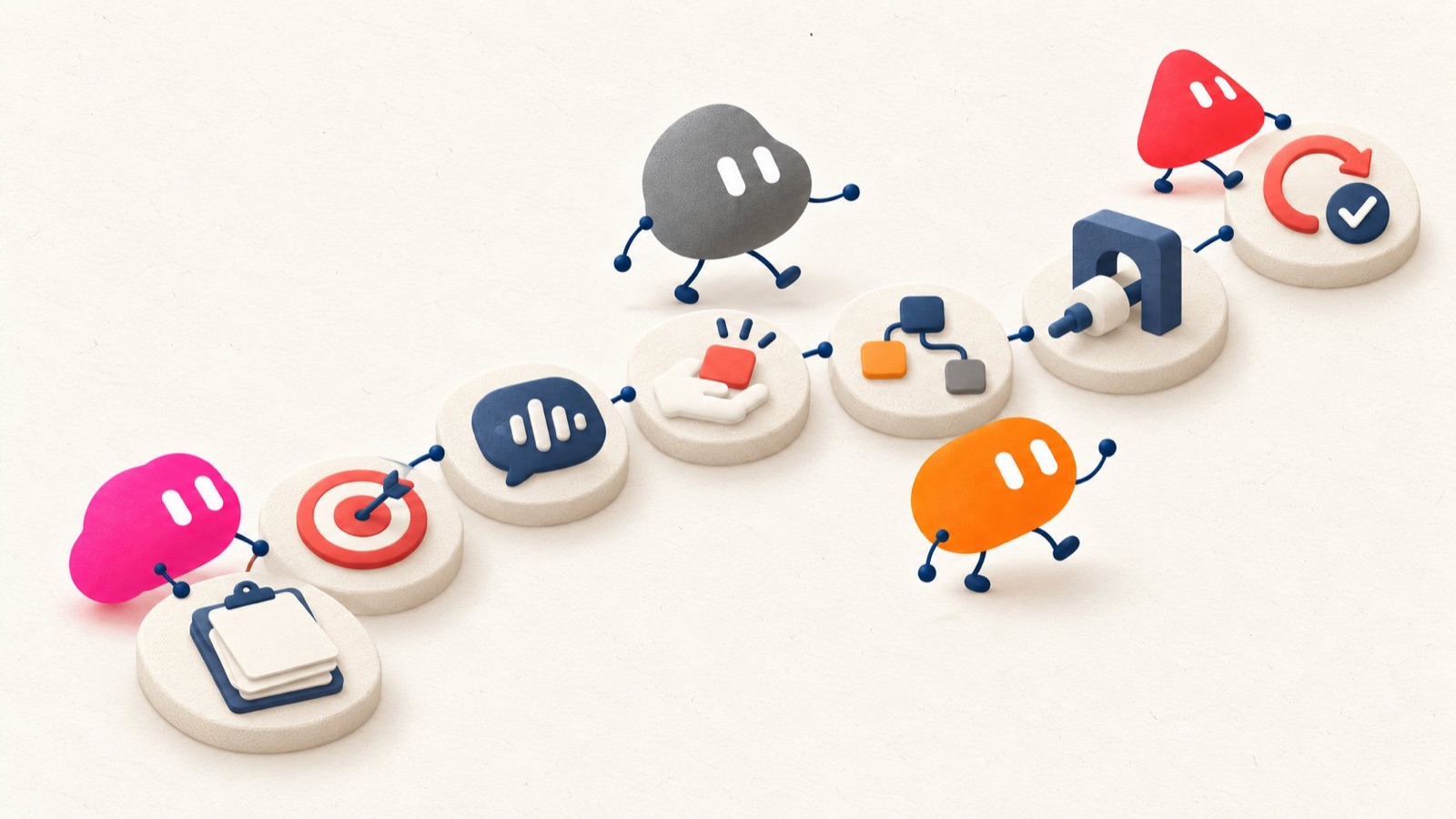
You do not need to design the entire system in one sitting.
Day 1: Audit the work
List recurring tasks and every manual copy-and-paste step. Rank them by frequency, time, rule clarity, and risk.
Day 2: Choose one outcome
Pick a low-risk workflow with a clear finish line. Write the role card for the Bot that should own it.
Day 3: Onboard and test understanding
Explain your work, standards, examples, and boundaries. Use voice if that is faster. Ask the Bot to restate the job before acting.
Day 4: Complete the task once with the Bot
Run one real example. Review the sources, sequence, output, and failure handling. Correct the process.
Day 5: Save and test the Skill
Turn the successful method into a Skill. Test it against a second example, including one unusual or incomplete input.
Day 6: Connect the minimum tools
Add only the accounts and access needed for the role. Keep external actions behind approval. Put credentials in secure storage, never ordinary chat.
Day 7: Add one Routine and schedule a review
Automate the proven task at a conservative frequency. Define failure behavior and what happens when there is nothing to report. Schedule a weekly 15-minute system review.
At the end of the week, you should have one reliable workflow, not a decorative fleet.
Frequently asked questions
How many Bots should I create?
Start with one. Add another when a stable specialist role, different toolset, separate approval boundary, or recurring handoff justifies it. There is no universal ideal number. For many solo creators and small businesses, two to four focused Bots may be enough.
Should I import dr eggbot?
It can be a useful starting point for Bot design. Review any imported template before connecting apps or secrets. Shared templates are created by users. Importing one creates a copy and does not transfer the creator’s computer, logins, or conversation history.
Are Skills shared across Bots?
Private Skills form a library that can be used across your personal Bots, but each Bot still needs the relevant app, login, and Skill enablement. Publishing a Skill for teammates is a separate action subject to team controls.
Should every successful task become a Routine?
No. First make the task reliable, then save the method as a Skill. Automate it only when the input, trigger, output, failure behavior, quiet behavior, and approval boundary are clear.
Can I create separate Bots for security isolation?
No. Your personal Bots use one shared cloud computer and can access its files, browser sessions, and command-line credentials. Separate Bots are organizational roles, not security boundaries.
Can I rely on memory to keep a Bot safe and accurate?
No. Each Bot has its own role memory, while a small number of account facts such as your name and time zone may be shared across your Bots. Files, browser sessions, and the cloud computer are shared separately and are not memory or security boundaries. Memory is useful for preferences, stable rules, and role context, but the official documentation says it is not a source of truth. For consequential decisions, make the Bot reopen the current authoritative source. Protect important actions with explicit boundaries and approval rules.
What should never be pasted into chat?
Passwords, one-time codes, card details, API keys, recovery information, and other credentials. Use Vault, secure forms, or supported secret storage.
How do I know when a Bot is ready for more autonomy?
After it has completed the same workflow correctly several times, handles missing inputs safely, produces reviewable evidence, respects its boundaries, and has a clear failure and recovery path. Autonomy should be earned by reliability, not granted because the first demo looked impressive.
The real lesson
The central insight in Lauren’s posts is not that everyone should build a large AI workforce. It is almost the opposite.
Start with a small roster. Give each Bot a real job. Teach the work once, preserve the method, provide only the necessary tools, automate narrow triggers, and convert predictable repetition into scripts. Most importantly, design the boundaries as carefully as the capabilities.
A useful Bot team should make your operation calmer. It should reduce copying, repeated explanation, missed checks, and low-value coordination. If the team creates more supervision than it removes, the answer is usually not another Bot. It is a clearer job, a better Skill, a smaller permission set, or a simpler workflow.
Build one teammate you can trust. Then decide whether you need a team.
Sources
Lauren Tan’s original Grok Bot team guide
Lauren Tan’s follow-up on Routines, scripts, usage, and team sharing
Grok Bot overview
Grok Bot FAQ
dr eggbot on the x.ai Bot Marketplace
Create and manage Bots
Use the computer and apps
Skills and Routines
Vault and secure sign-in
Approvals, security, and privacy
Shared Bots
Illustration note: the accompanying artwork uses original abstract characters inspired by the product’s general visual language. It does not reproduce the Grok logo, official UI, or a specific existing Bot avatar.